Instagram has become an important platform for creators, influencers, and small businesses to connect with their audiences. But as an account grows, managing comments and direct messages can become a daily challenge. Answering repeated questions, sharing links, and responding to interested followers manually can take time away from creating content and growing a business.
This is where Instagram Automation Free options can be useful. They help users explore ways to manage common interactions, simplify replies, and create a more organised communication process.
Why Instagram Comment and DM Management Matters
Every comment or direct message can be an opportunity to connect with someone interested in your content, product, or service.
For example, followers may ask about pricing, request a product link, or comment with a keyword to receive more information. If these interactions are left unanswered, potential conversations may be missed.
A well-planned Instagram Automation Tool can help manage repetitive interactions while allowing creators to focus on meaningful conversations.
1. Start with Instagram Automation Free Options
If you are new to automation, starting with a free plan is a practical way to understand how automated messaging works.
Depending on the provider, free options may include basic messaging features, limited automation workflows, or a monthly message allowance.
Before choosing a tool, check:
- Which automation features are included?
- Are comment replies supported?
- Can comments trigger automated DMs?
- Are there monthly messaging limits?
- Does the platform use an authorised Instagram integration?
Choosing a free option that matches your requirements can help you test automation without committing to a paid subscription immediately.
2. Use Instagram Comment Automation to Respond Faster
One of the most useful automation workflows is responding to selected comments.
Imagine publishing a post about a new product. Several followers comment with questions such as “PRICE,” “DETAILS,” or “LINK.”
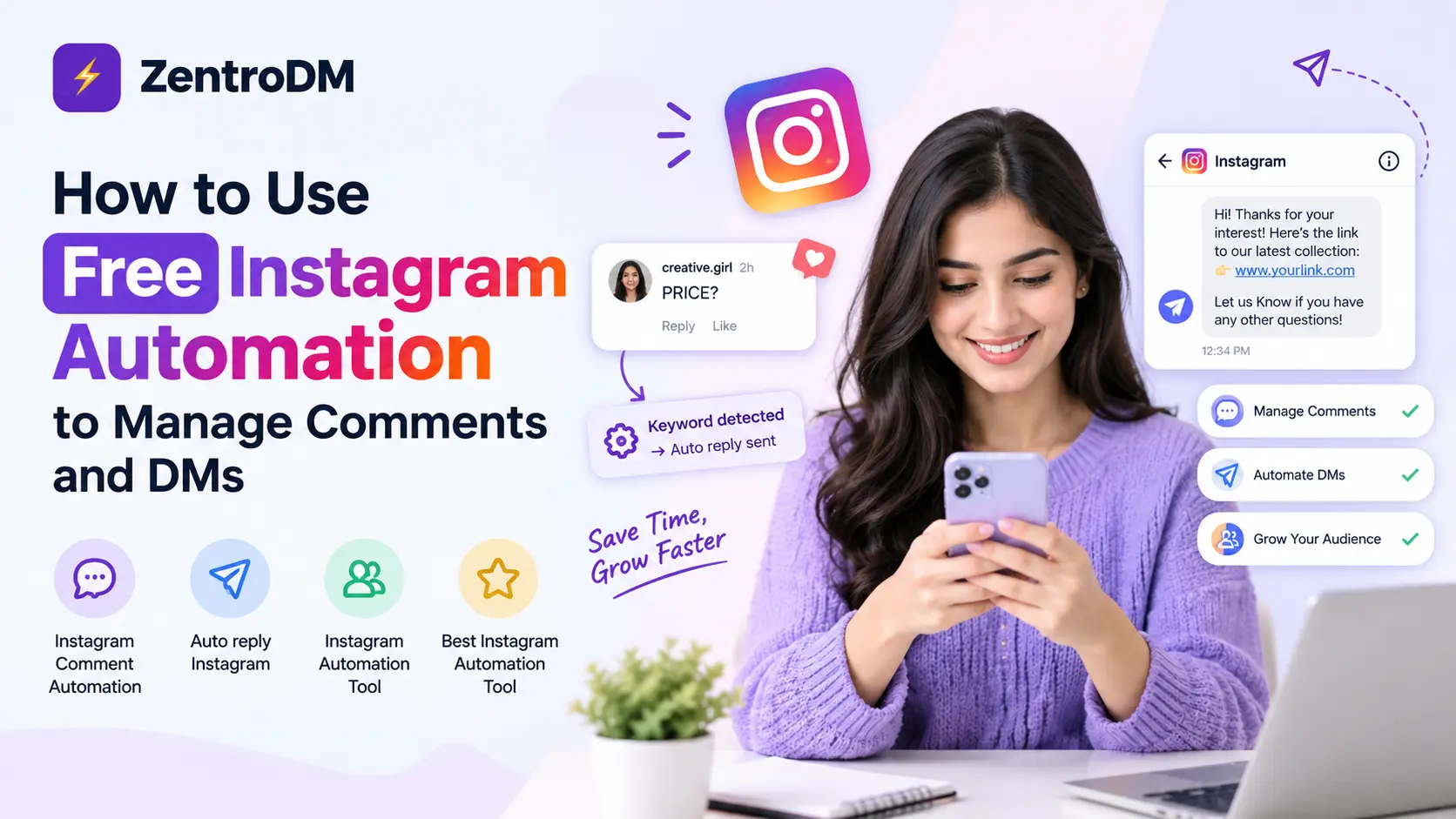
Instead of manually handling every repeated request, you can configure Instagram Comment Automation to recognise selected keywords and initiate a relevant response.
For example:
- A follower comments “PRICE.”
- The automation recognises the keyword.
- The follower receives a relevant private message.
- The message provides pricing information or a useful link.
This approach makes it easier to respond to common requests and guide interested followers towards the next step.
3. Set Up Auto Reply Instagram Workflows
An Auto reply Instagram workflow can help creators handle frequently requested information.
Start by identifying the questions your audience asks most often. Then prepare short, clear responses that directly address those questions.
Some useful examples include:
- Product information and pricing
- Website and shopping links
- Course or service details
- Event registration information
- Free guides and downloadable resources
Keep automated messages friendly and relevant. Followers should feel that they are receiving helpful information rather than generic promotional messages.
4. Choose the Best Instagram Automation Tool for Your Needs
Not every automation platform offers the same features. Some focus on basic messaging, while others provide comment-triggered DMs, lead collection, and analytics.
When comparing the Best Instagram Automation Tool options, consider these factors:
Ease of use: The platform should make it simple to create and manage automation workflows.
Comment-to-DM functionality: Check whether users can receive private messages after commenting with a selected keyword.
Custom messages: Look for options to personalise responses according to your content and audience.
Free-plan limits: Understand how many messages or automations are included.
Integration and security: Prefer platforms that use authorised Instagram integrations and follow Meta’s requirements.
The right tool should solve a real communication problem without making your account feel impersonal.
5. Keep Automated Conversations Helpful and Natural
Automation should make communication easier, not turn every interaction into a sales pitch.
A few simple practices can improve the experience:
- Send information related to the comment or message.
- Keep the first automated response short.
- Share links only when they are relevant.
- Avoid sending repeated or unwanted messages.
- Make it easy for followers to ask additional questions.
- Handle personal or complicated enquiries manually.
A thoughtful combination of automation and personal communication can help maintain stronger audience relationships.
How Creators Can Benefit from Instagram Automation
For creators and small businesses, automation can reduce repetitive work and make audience management more organised.
It can help with:
- Responding to frequently asked questions.
- Sharing links and resources automatically.
- Managing common comment requests.
- Directing interested followers towards relevant information.
- Spending more time on content creation and business activities.
Automation does not guarantee more followers or sales, but it can make the process of handling audience interest more efficient.
Final Thoughts
Managing Instagram comments and DMs does not have to consume your entire day. With the right Instagram Automation Free option, creators can explore automated replies, organise common requests, and make it easier for followers to access useful information.
Start with a simple workflow, test how your audience responds, and improve your messaging over time. A suitable Instagram Automation Tool can help you save time while keeping your Instagram conversations useful, relevant, and personal.
Explore More Instagram Automation Guides
Want to learn more? Continue with these ZentroDM guides:
