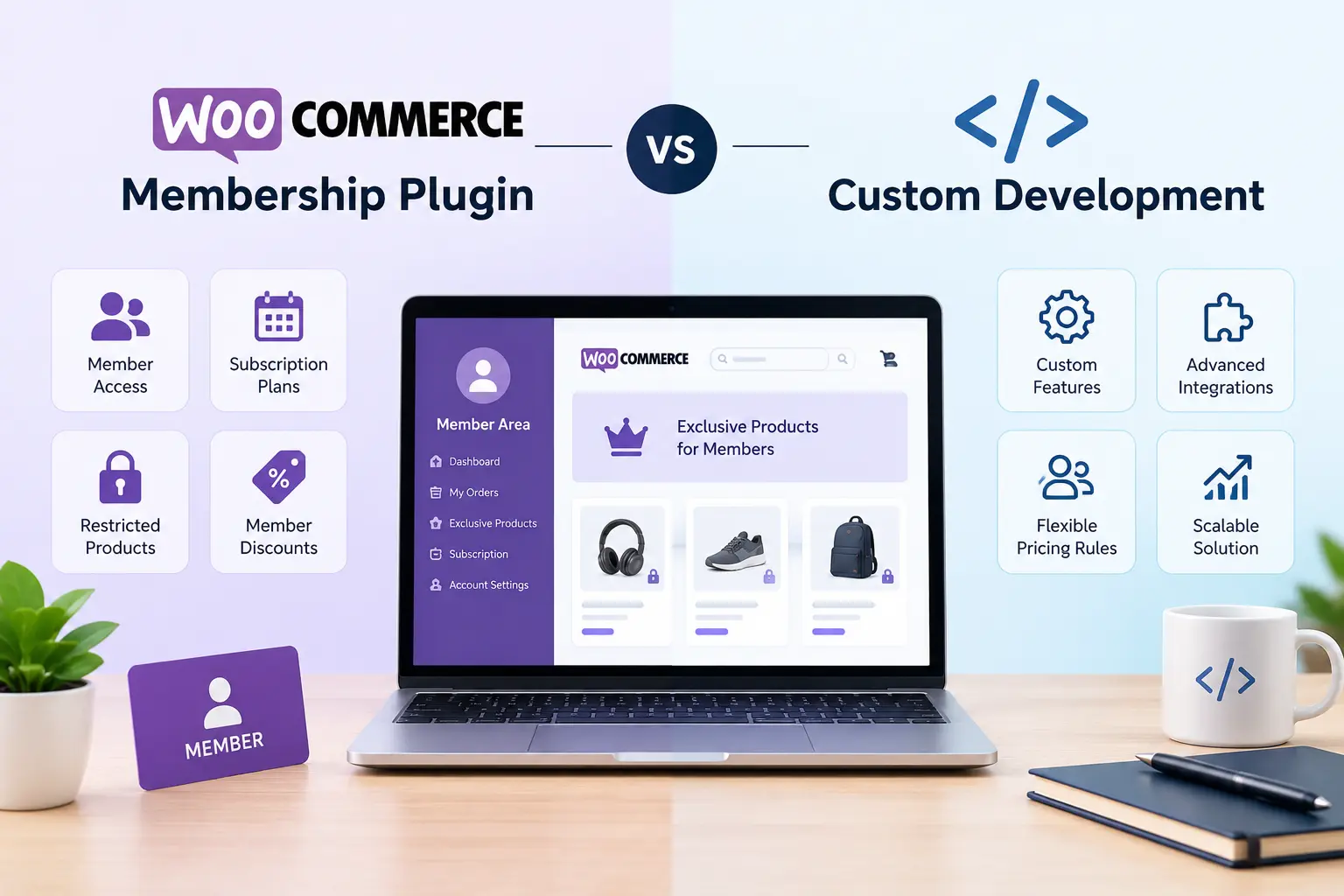
Building a membership-based online store can be an effective way to generate recurring revenue, reward loyal customers, and offer exclusive products or services. However, choosing the right technology can be challenging when your business needs more than a standard online shopping experience.
WooCommerce provides a flexible foundation for membership websites, but should you use an existing plugin or invest in a custom solution?
The answer depends on your business model, budget, required features, and plans for future growth. A suitable WooCommerce membership plugin can simplify the setup process, while custom WooCommerce development can provide greater control over complex business requirements.
In this guide, we compare both approaches to help you make an informed decision.
What Is a WooCommerce Membership Plugin?
A WooCommerce membership plugin adds membership-related functionality to an online store. Depending on the solution, it can restrict access to selected products, pages, digital downloads, or other resources.
For example, an online education business might allow registered members to access premium courses, while a wholesale store might offer exclusive product catalogs to approved customers.
Common membership features include:
- Member registration and account management.
- Restricted content and product access.
- Membership plans and renewal options.
- Member-specific discounts.
- Integration with payment and subscription systems.
A plugin can be a practical choice for businesses that want to launch a membership website without building every feature from scratch.
However, available functionality varies between plugins. Some focus on content access, while others support recurring payments, customer groups, or more advanced membership rules.
What Is Custom WooCommerce Development?
Custom WooCommerce development involves creating or modifying store functionality to meet specific business requirements.
Instead of adapting the business process to an existing plugin, developers can design workflows around the way the business actually operates.
A custom solution might include:
- Different pricing rules for individual customer groups.
- Approval-based membership registration.
- Special access permissions for wholesale buyers.
- Integration with an external CRM or ERP.
- Custom account dashboards.
- Business-specific subscription and renewal workflows.
For instance, a B2B supplier may need to approve customer accounts before displaying negotiated prices. If available extensions cannot handle the required approval and pricing rules together, a custom implementation may be more suitable.
A custom WooCommerce store can combine standard WooCommerce features with carefully developed functionality, giving businesses flexibility without necessarily rebuilding the entire platform.
WooCommerce Membership Plugins vs Custom Development
Both approaches can work well, but they serve different needs.
| Comparison | Membership plugin | Custom development |
|---|---|---|
| Initial setup | Usually faster | Requires planning and development |
| Initial cost | Often lower | Usually higher |
| Standard membership features | Available out of the box, depending on the plugin | Must be implemented if needed |
| Unique business rules | Limited by plugin capabilities and extensibility | Can be tailored to requirements |
| Maintenance | Depends on plugin updates and compatibility | Requires ongoing code maintenance |
| Integrations | Depends on supported integrations | Can be built for supported external systems |
| Future changes | May require additional extensions or workarounds | More control over implementation |
| Best suited for | Standard membership requirements | Specialized or complex workflows |
There is no universal winner. The best option is the one that meets current requirements while remaining manageable as the business grows.
When Should You Choose a WooCommerce Membership Plugin?
An existing plugin is often the sensible starting point when your business needs common membership features and has no unusual technical requirements.
1. You Want to Launch Quickly
If you are starting a membership website, a plugin can reduce development time. Many common features are already available, allowing you to focus on products, pricing, and customer acquisition.
2. Your Requirements Are Standard
A plugin may be sufficient if you need members-only content, restricted products, membership plans, or straightforward access rules.
3. You Have a Limited Initial Budget
Existing extensions can be more affordable than building equivalent functionality from scratch. Remember to account for license fees, renewals, compatibility checks, and any additional extensions you may need.
4. You Need Established Integrations
Some plugins support popular payment gateways, email marketing services, and other WordPress extensions. Verify compatibility before choosing one, especially if your store already uses several essential plugins.
For example, WooCommerce Memberships is an official option for managing membership access. Your exact requirements will determine whether it is sufficient or whether another solution is more appropriate.
When Is Custom WooCommerce Development the Better Choice?
Custom development becomes worth considering when existing extensions cannot support important business rules efficiently.
1. Your Pricing Rules Are Complicated
Some stores need different prices based on customer roles, order quantities, contracts, or account status. If standard extensions cannot support these rules reliably, custom functionality may provide a cleaner solution.
2. You Need Specialized Membership Workflows
A business may require manual account approval, membership verification, automatic account changes, or access based on multiple conditions.
Custom development can connect these steps into a workflow that matches the business process.
3. Your Store Requires Advanced Integrations
A membership website may need to exchange data with external business applications. Custom WooCommerce development can help connect membership status, customer records, orders, and permissions to supported systems through APIs.
For example, an approved wholesale customer could receive access to a private catalog after their account status is synchronized with an external customer management system.
4. Existing Plugins Create Unnecessary Complexity
Installing several extensions to reproduce one complicated workflow can increase maintenance requirements and create compatibility risks.
A custom implementation may reduce unnecessary dependencies, although it also introduces code that must be tested, documented, and maintained.
The goal should not be to replace every plugin. It should be to select the simplest reliable architecture that meets your requirements.
Do You Need a WooCommerce Subscription Plugin Too?
Memberships and subscriptions are related, but they are not the same thing.
A membership defines what a customer can access. A subscription generally defines a recurring payment arrangement.
For example, a customer might pay monthly to access premium tutorials. The membership controls access to the tutorials, while the subscription manages recurring billing and payment status.
A WooCommerce subscription plugin may be appropriate if your business offers:
- Monthly or annual membership payments.
- Recurring product deliveries.
- Subscription-based digital services.
- Automatic renewal and cancellation workflows.
- Subscription upgrades or downgrades.
Some membership solutions provide subscription capabilities or integrate with dedicated subscription extensions. Before purchasing multiple plugins, check whether the required billing and access features are already supported.
You should also verify how the chosen setup handles failed payments, cancellations, refunds, expired memberships, and changes to payment methods.
How to Calculate the Long-Term Cost
The cheapest option at launch is not always the most economical over time.
When comparing a plugin with a custom solution, consider the total cost of ownership rather than just the initial development or license fee.
Include these factors:
- Plugin licenses and annual renewals.
- Initial configuration and customization.
- Additional extensions and integration costs.
- Developer time for future changes.
- Security updates and compatibility testing.
- Support, troubleshooting, and ongoing maintenance.
A standard membership website may remain more affordable with an established plugin. A business with complicated pricing and several external integrations may benefit from a custom solution if it reduces operational work and avoids a growing collection of extensions.
Request a clear breakdown of implementation costs, ongoing maintenance, and future changes before making your decision.
Can You Combine Plugins with Custom Development?
Yes. In many cases, a hybrid approach is the most practical option.
A business can use an established membership extension for access control and a compatible subscription solution for recurring payments, while developing custom features for its unique requirements.
For example, a wholesale store might use existing tools for customer accounts and membership access but add custom functionality for negotiated pricing, bulk ordering, and ERP synchronization.
This approach can reduce unnecessary development while preserving flexibility.
However, integrations should be designed carefully. Developers must understand how membership status, payment status, and customer permissions interact to prevent customers from retaining access when they are no longer eligible.
A Practical Checklist Before You Decide
Before choosing a plugin or investing in custom development, answer these questions:
- Do you need standard membership features or unique business rules?
- Will customers pay once, periodically, or through recurring subscriptions?
- Do you need wholesale pricing or customer-specific product access?
- Must the store connect with external business applications?
- Can an established plugin meet your requirements without excessive customization?
- Who will handle updates, testing, and maintenance?
Documenting these requirements first will make it easier to compare solutions and avoid unnecessary spending.
Final Thoughts
Choosing between a WooCommerce membership plugin and custom development depends on the complexity of your store and the experience you want to provide.
Plugins are often a strong starting point for standard membership websites because they provide established functionality and faster implementation. Custom development becomes more valuable when your business requires specialized pricing, complex access rules, advanced integrations, or workflows that existing extensions cannot handle efficiently.
For many businesses, the best solution is a combination of both approaches. Start with reliable existing tools, identify the limitations that affect your operations, and invest in custom functionality where it provides measurable value.
If you are planning a custom WooCommerce store or need help extending an existing membership website, explore DK Gupta’s WooCommerce and WordPress development services to learn about potential development solutions.
Frequently Asked Questions
1. Which WooCommerce membership plugin should I choose?
Choose a plugin based on your access rules, payment requirements, integrations, support, and compatibility with your existing store. Test the important customer workflows before committing to a solution.
2. Is custom WooCommerce development expensive?
Custom development generally requires a larger initial investment than configuring an existing plugin. The actual cost depends on functionality, integrations, testing, and maintenance requirements.
3. Can I use a membership plugin and a subscription plugin together?
Yes, provided the selected extensions are compatible and their responsibilities are clearly defined. Test payment failures, renewals, cancellations, and access changes before launch.
4. Is custom development better for a large membership website?
It can be beneficial when a large website needs specialized workflows or integrations. However, a well-configured plugin-based solution may still work for many large membership websites.
5. Can I upgrade from a plugin-based solution to custom development later?
Yes. A migration or gradual replacement is possible, but it should account for existing memberships, customer records, payment arrangements, and access permissions. Careful planning helps prevent service interruptions.
