Google AI Mode ads are no longer a test you read about. They’re running in the US and India, they pull from campaigns you may already have, and there’s no switch to turn them off. If you run Google Ads for a small business, some of your budget may already be spent inside AI Mode conversations, and your reports won’t tell you.
This guide explains how Google AI Mode ads work in 2026, which campaigns are eligible, what Google announced at Google Marketing Live, what you still can’t control, and seven practical steps to get your account ready without handing Google a blank cheque.
What are Google AI Mode ads?
AI Mode is Google’s conversational search tab. Instead of ten blue links, people get a written answer powered by Gemini, and they can keep asking follow-up questions. Google AI Mode ads are sponsored results that appear inside or below those answers, with a Sponsored label.
The big difference from normal Search ads is targeting. Google matches a classic text ad to one query. By contrast, it matches an AI Mode ad to the whole conversation. Someone who asks “how do I fix a cracked tennis court,” then “how much does resurfacing cost,” then “who does this near Austin” builds context over three questions, and the ad can show on the third answer.
Google also builds the ad text on the fly. Adthena’s analysis found that Google reassembles your responsive search ad assets into a new headline for almost every conversation. Your headlines and descriptions become ingredients, not finished ads.
Where AI Mode ads are live
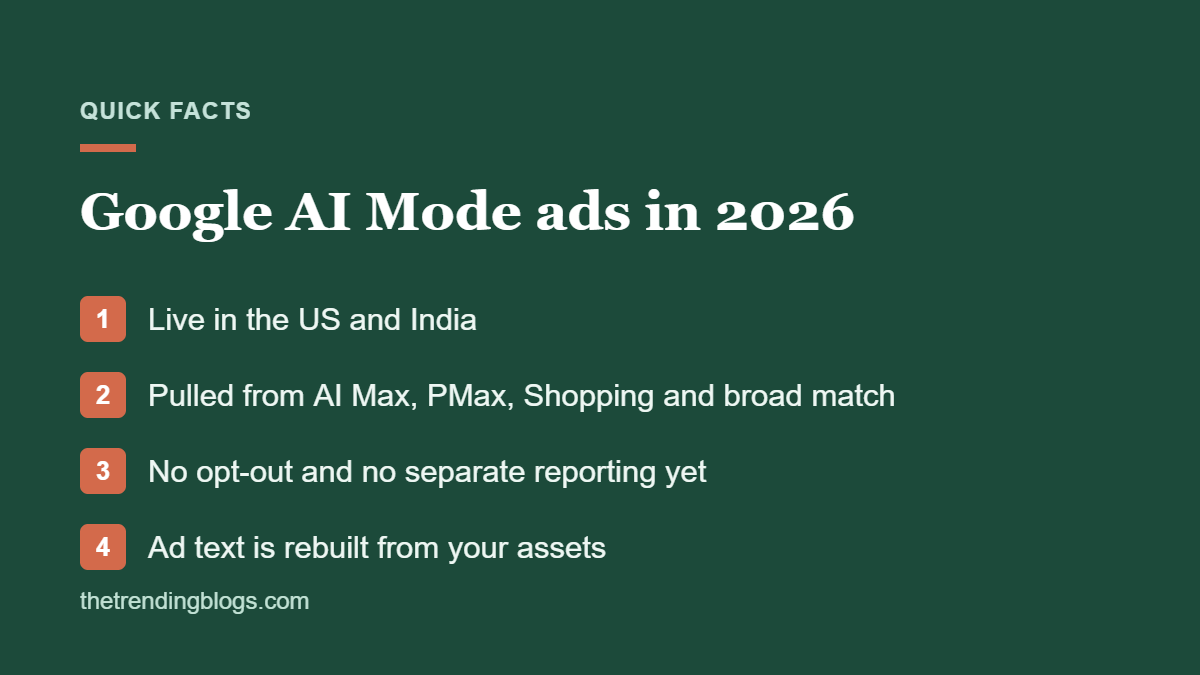
As of late August 2026, ads in AI Mode were live in the United States and India. The UK has AI Mode but not ads in it yet. Expect more markets over time, but don’t plan around a date Google hasn’t confirmed.
Which campaigns are eligible for Google AI Mode ads
You don’t create an “AI Mode campaign.” Google pulls eligible ads from your existing campaigns. Until recently, that meant only the automated options:
- AI Max for Search campaigns
- Performance Max
- Shopping campaigns
- Broad match keywords with Smart Bidding
- Dynamic Search Ads
On September 4, 2026, Google started a small experiment that lets exact and phrase match keywords serve in AI Mode too, but only for queries with what Google calls “explicit and direct user intent.” PPC Land reported that Google hasn’t said which countries, industries or accounts are in the test, or how it defines that intent.
In plain terms: if your account runs only exact and phrase match with manual bidding, you’re mostly invisible in AI Mode today. If you run Performance Max, Shopping, broad match or AI Max, you’re probably already in it.
What Google announced at Google Marketing Live 2026
At Google Marketing Live in May 2026, Google introduced several new formats built for AI search:
- Conversational ads that answer the shopper’s question inside AI Mode and explain why a product fits
- Direct Offers, which let Google show a discount or bundle at the moment someone is ready to buy
- AI Max for Shopping, which turns product feed data into ads that answer conversational queries
- Business Agent for leads, an ad-based agent that answers customer questions and qualifies leads before they reach your team
Almost all of these require AI Max for Search or Performance Max. That’s the pattern to notice: Google is tying its newest AI search placements to its most automated campaign types.
What you can’t control yet
Before you rush in, understand the limits. As of September 2026:
- No opt-out. If a campaign is eligible, its ads can show in AI Mode.
- No separate targeting or bidding. You can’t bid up or down for AI Mode.
- No separate reporting. Google blends AI Mode impressions, clicks and conversions into your normal Search and Shopping numbers. An exact match keyword row can now mix literal matches, close variants and AI Mode traffic.
- Less say over ad text. Google rebuilds headlines from your assets, so a weak asset can show up in front of the wrong person.
This doesn’t make AI Mode ads bad. It means your measurement has to happen at the account level, using lead quality and revenue, not only at the keyword level.
Should small businesses care about Google AI Mode ads?
Yes, but in proportion. AI Mode is strongest for research-heavy questions: comparing options, asking about costs, planning a project. That suits service businesses with considered purchases, like home services, clinics, B2B services and franchises. Brand searches rarely trigger AI Mode ads, so they matter less for businesses that live on brand traffic.
If your budget is small, don’t rebuild your account around AI Mode. Make sure the campaigns that are already eligible are set up well, then test one campaign properly.
7 steps to get your account ready
1. Test AI Max on one campaign
Pick a campaign with steady conversions and turn on AI Max, keeping your brand exclusions and URL controls in place. Our guide to Google Ads AI Max for small business walks through the settings and what to watch in the first 30 days.
2. Rewrite your ad assets as ingredients
Because Google remixes your assets, each headline and description has to work on its own. Use specific numbers, prices or price ranges, service areas, guarantees and the current year. Cut vague lines like “Quality You Can Trust,” which say nothing when mixed with other text. Our tips on AI ad copy that doesn’t sound like AI help here.
3. Fix the landing pages Google reads
AI Max can pull text from your site and send people to the page it thinks fits best. Thin or outdated pages hurt you twice. Run your key pages through our landing page checklist for paid ads.
4. Feed Google better business data
For ecommerce, keep your Merchant Center feed accurate, with clear titles, prices and product details. For local services, your Google Business Profile is part of the picture, so follow our Google Business Profile optimization guide.
5. Check search terms every week
Broad match and AI Max reach queries you didn’t choose. Review the search terms report weekly, add negatives and watch for irrelevant spend. Our guide to finding wasted spend in the search terms report shows what to look for.
6. Track lead quality, not just leads
Because your reports blend in AI Mode traffic, the only reliable test is whether better customers come through. Import offline conversions or at least tag which leads became sales. Set up the GA4 reports that matter so you can compare periods.
7. Measure before and after
Write down your cost per qualified lead and conversion rate for the 30 days before any change. Then compare the 30 days after. It’s not perfect, but it’s the closest you’ll get until Google adds AI Mode reporting.
How AI Mode ads fit with organic AI visibility
Paid and organic AI visibility work together. The same clear, specific content that helps your ads also helps AI tools cite your business for free. Read our guide on getting cited by ChatGPT and AI search, and if you’re weighing up other AI ad channels, see our breakdown of ChatGPT ads for small business.
Common questions
Can I opt out of Google AI Mode ads?
Not as of September 2026. If a campaign is eligible, Google can show its ads in AI Mode. The only way to stay out is to avoid the eligible campaign types and match types, which also limits your reach in normal search.
Do I need AI Max to show in AI Mode?
No. Performance Max, Shopping, broad match with Smart Bidding and Dynamic Search Ads are also eligible. But most of the new AI Mode formats announced in 2026 require AI Max or Performance Max.
Are Google AI Mode ads available outside the US?
As of late August 2026, they were live in the US and India. Other markets have AI Mode, but not ads in it yet.
How are AI Mode ads charged?
They run through your existing campaigns and bidding, so they’re billed the same way as the campaign they come from. There’s no separate AI Mode budget.
Can I see AI Mode performance separately in Google Ads?
Not yet. Google mixes AI Mode results into your standard Search and Shopping reporting, which is why lead quality and before-and-after comparisons matter so much.
